How to Get the Most Out of HappyMod
October 5, 2026 (2 weeks ago)
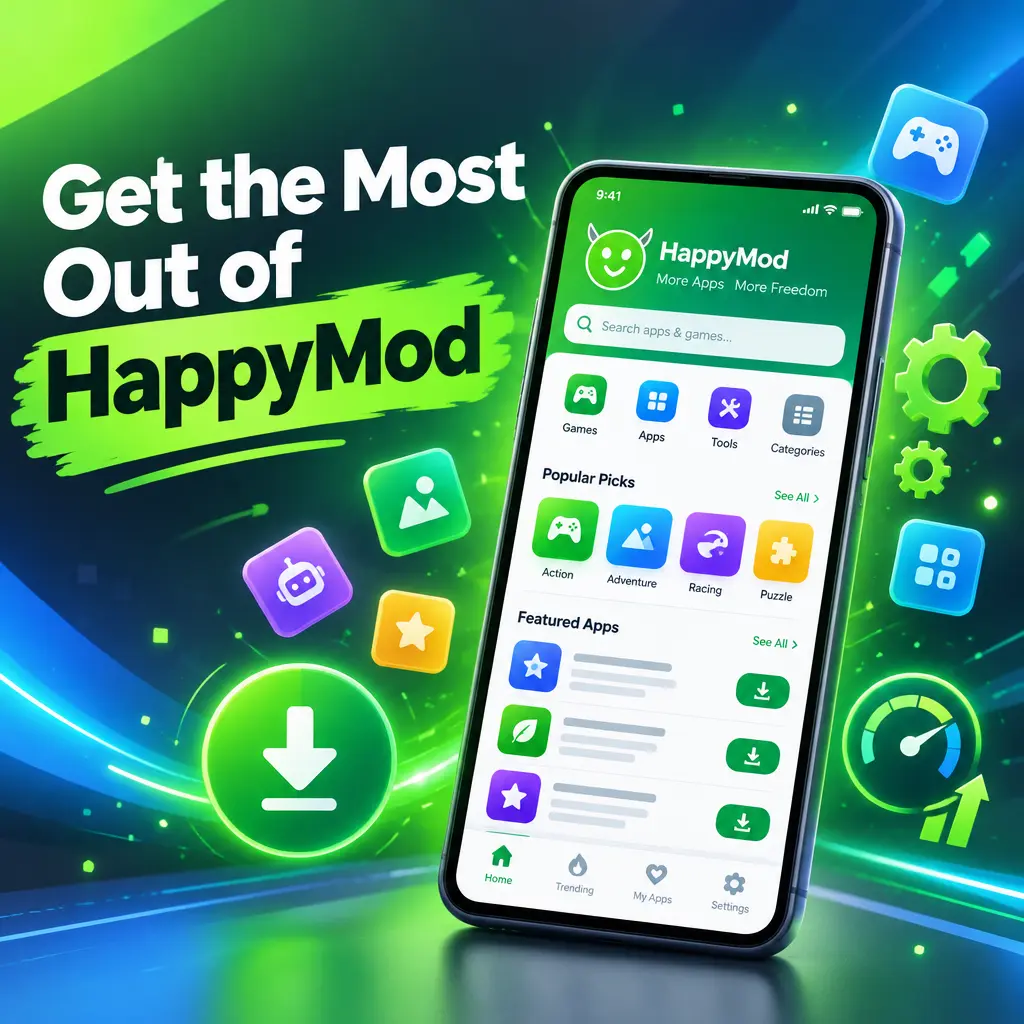
HappyMod is a marketplace for modified Android apps and games. It is popular because many apps on it include extra features, unlocked options, custom settings, or changes that are not available in the standard version. If you use it the right way, it can be a fun place to discover new versions of apps and games. At the same time, because modified apps come from outside the Google Play Store, you need to be smart, careful, and selective. These tips will help you get more value from HappyMod while keeping your device safer and your experience smoother.
Start by Understanding What HappyMod Offers
HappyMod is not just a normal app store. It focuses on modified APK files, which are Android installation files that have been changed in some way. A modified app may include unlocked levels, custom skins, removed limits, extra settings, or other changes. Some mods are useful, while others may be unstable or unsafe.
Before downloading anything, read the app page carefully. Look at what the mod actually changes. Do not install an app just because it says “unlimited” or “premium.” Make sure the changes are useful to you and not risky or unfair. Also remember that some modified apps may break the original app’s rules, so use good judgment and respect app developers.
Check Ratings, Comments, and Version Details
One of the best ways to avoid problems is to read what other users say. HappyMod often includes user ratings and comments, which can help you understand if a mod works well or has issues.
- Check the success rate before downloading. A higher success rate usually means more users had a good experience.
- Read recent comments. Older comments may not apply if the app has been updated.
- Look for reports about crashes, login problems, missing features, or malware warnings.
- Compare the mod version with the official app version. Very old versions may not work properly.
If many users say the app does not open, asks for strange permissions, or causes errors, skip it. There are often several versions of the same app, so it is better to choose one with better feedback.
Use a Separate Google Account When Possible
Some modified apps may ask you to sign in. Be careful with your main Google account or any account linked to payments, personal files, or important data. If you want to test apps from HappyMod, consider using a separate account that does not contain sensitive information.
This is especially useful for games or apps that require online login. A separate account reduces risk if the app behaves badly, gets blocked, or violates the service rules of the original app. It also helps you keep your main account clean and secure.
Scan APK Files Before Installing
Since HappyMod apps are installed outside the Play Store, you should make security checks a habit. Android devices can be safe when used carefully, but installing random APKs without checking them is a bad idea.
- Download only from the official HappyMod website or trusted app source.
- Use a reliable mobile antivirus app to scan the APK.
- Check the file name and size to make sure it looks normal.
- Do not install apps that trigger strong malware warnings.
- Update your Android system when updates are available.
No scanner is perfect, but scanning adds another layer of protection. If something feels suspicious, do not install it.
Pay Attention to App Permissions
Permissions tell you what an app can access on your device. A camera app may need camera access, and a map app may need location access. But a simple puzzle game should not need your contacts, SMS messages, microphone, or call logs.
- Before installing, check the permissions listed on the app page if available.
- After installation, go to Android settings and review app permissions.
- Deny permissions that are not needed for the app to work.
- Uninstall apps that keep asking for strange or unnecessary access.
Modern Android versions allow you to grant permissions only while using the app. Use this setting whenever possible. It gives you more control and limits what apps can do in the background.
Back Up Your Data Before Testing Mods
Modified apps can crash, reset progress, or conflict with official versions. Before installing a modded game or app, back up anything important. This is especially important if you are replacing an app that already has saved data.
For games, check if your progress is saved to the cloud. For productivity apps, export your notes, files, or settings. If you are not sure, avoid installing the mod over the official app. Instead, uninstall the original only after you are sure your data is safe.
Try One Mod at a Time
It is tempting to download many apps at once, but that can make troubleshooting difficult. If your phone slows down, battery drains faster, or apps start crashing, you may not know which mod caused the issue.
- Install one app.
- Test it for a few minutes.
- Check battery use, permissions, and performance.
- Keep it only if it works well.
- Remove it if it causes issues.
This simple habit keeps your device clean and makes it easier to spot bad apps quickly.
Keep Mods Updated, But Do Not Update Blindly
Updates can fix bugs, improve features, and make apps work better with new Android versions. However, updates can also remove features or create new problems. Before updating a mod, read the changelog and recent comments.
If your current version works perfectly, you do not always need to update right away. Wait until other users test the new version. This is a smart move for games, because an update may affect saved progress or online access.
Use HappyMod Search Filters and Categories
HappyMod has many apps, so browsing without a plan can waste time. Use search terms, categories, and sorting options to find what you actually want. If you are looking for games, browse by genre. If you want tools, search by app type instead of random keywords.
- Search for the exact app name to avoid fake copies.
- Use categories to find similar apps.
- Check popular downloads to discover trending mods.
- Compare different mod versions before choosing one.
This helps you avoid low-quality apps and find mods that are more likely to work.
Avoid Apps That Handle Sensitive Information
Some apps should not be downloaded in modified form. Avoid modded banking apps, payment apps, password managers, crypto wallets, work apps, or anything that stores private information. The risk is not worth it.
HappyMod is better suited for casual games, simple tools, customization apps, and apps where you are not entering sensitive personal data. Keep your important accounts and financial activity inside official apps from trusted stores.
Clean Up Apps You No Longer Use
Modified apps can take storage space and may run background services. If you download many apps to test them, your phone can become cluttered. Set a reminder to review your installed apps every few weeks.
- Uninstall apps you have not used recently.
- Clear cache from apps that take too much space.
- Remove duplicate versions of the same app.
- Restart your phone after removing several apps.
A clean device runs better, has more storage, and is easier to manage.
Use Mods Responsibly
HappyMod can make apps and games more flexible, but it is important to use it responsibly. Do not use modified apps to cheat in competitive online games, harm other players, steal paid content, or break rules in a way that ruins the experience for others. Mods are best when they improve personal enjoyment, accessibility, testing, or customization.
If you really like an app or game, consider supporting the original developer when you can. Developers spend time and money creating the apps people enjoy, and supporting them helps keep good apps alive.
Final Tips for a Better HappyMod Experience
- Download from trusted sources only.
- Read comments before installing anything.
- Check permissions carefully.
- Use a secondary account for testing.
- Back up your data before replacing apps.
- Avoid sensitive apps in modified form.
- Uninstall anything that feels unsafe or unstable.
HappyMod can be useful and entertaining when you approach it with care. The key is to be selective, read user feedback, protect your accounts, and avoid risky apps. With the right habits, you can enjoy extra features and custom versions while keeping your Android device safer and cleaner.
Recommended For You